Choose your source.
Bring your own MP4 into the extension. Preparation happens locally in your browser.
02 / THE EXPERIENCE
A new visual language for serious creators. Quiet on the outside. Precise where it counts.
03 / QUALITY COMPARISON
Using your provided clip, this live comparison places a lower-quality 544p / 30 FPS version on the left and a 1440p / 60 FPS prepared version on the right. Move the divider to choose how much of each you want to see.
03 / ERAYAEP METHOD
Your existing Erayaep Method experience, now part of a larger creative ecosystem. The same account and current plan structure remain.
Prepare export files through the Chrome/Edge extension, then upload via TikTok Studio. Actual playback quality is determined by the platform.
VIDEO WORKSPACE
QUICK SETUP / VIDEO WALKTHROUGH
Watch the original extension installation guide. The recording may show an earlier interface version.
Download the extension ↗YOUR ACCOUNT / EXTENSION PAIRING
Sign in to connect your extension with a one-time code. You can also sign in directly from the extension.
03 / TWO OUTPUT PROFILES
Prepare locally using the same profiles as the existing extension. Source quality and browser hardware determine processing results.
TikTok's officially documented Content Posting API accepts up to 60 FPS. Preparing a 120 FPS MP4 does not guarantee 120 FPS acceptance or playback on TikTok. The web uploader can behave differently by account and region.
04 / THE OUTPUT LAB
Explore the two output profiles before preparing your file in the extension. Your source and hardware still determine the real result.
This is a file preparation target, not a TikTok playback guarantee.
BUILT AROUND YOUR WORKFLOW
Bring your own MP4 into the extension. Preparation happens locally in your browser.
Creator 1440p/60 FPS or Pro 4K/120 FPS file target, with the original encoder preserved.
Download your prepared MP4 and finish your upload in TikTok Studio. TikTok controls final playback.
05 / METHOD MEMBERSHIP
Your existing Method pricing is preserved. These plans cover Erayaep Method, not unreleased store packs.
Explore the Method with a free account.
Flexible access to Method Pro features.
One payment for lifetime Method Pro access.
* Output targets are file-preparation settings, not guaranteed TikTok playback rates. Prices are confirmed at Paddle checkout; the displayed lifetime target is $39.90 and must match your Paddle price configuration before launch. Store packs are sold separately.
01 / AN ECOSYSTEM OF CREATIVITY
From your first keyframe to the final export. A single creative home, built around the way editors actually work.
One account. Your extension. A considered workflow for high-quality exports.
Curated effects, motion presets and project resources.
Cinematic interface sounds and future sound-effect collections.
06 / THE CREATOR STORE
The future home of ERAYAEP editing packs. A thoughtfully curated library, ready for the next drop.
My signature editing tools. Two essentials, designed for your next project.
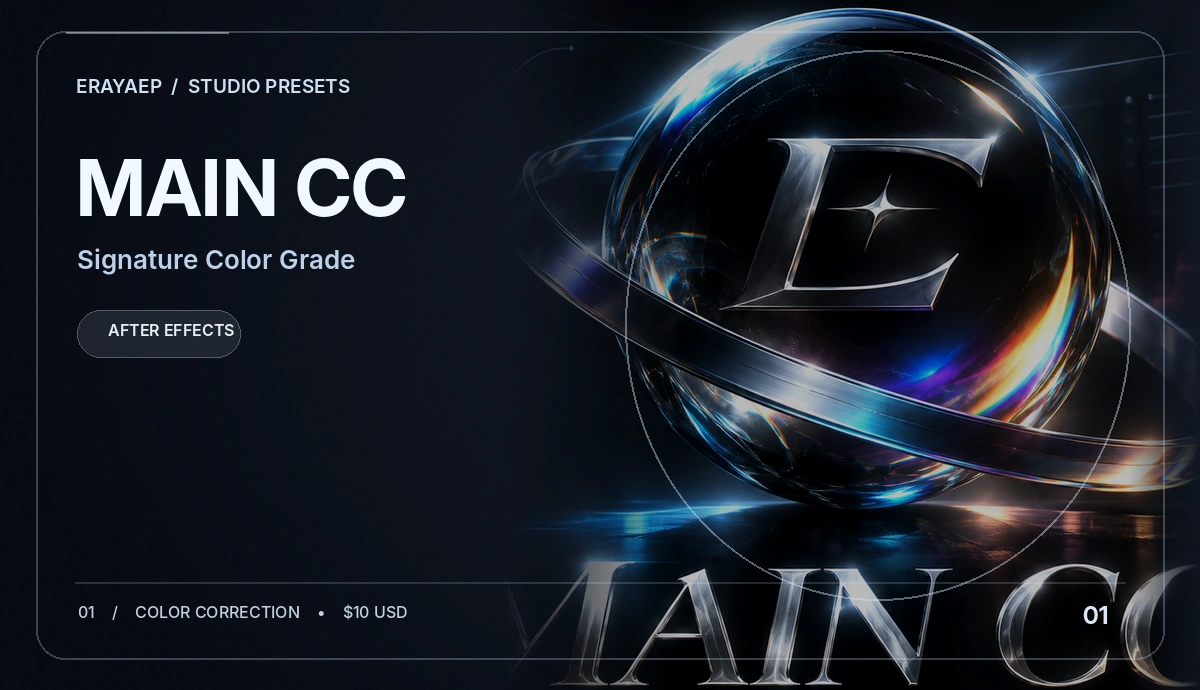
The signature ERAYAEP color correction preset. A focused starting point for your own edit.
Request details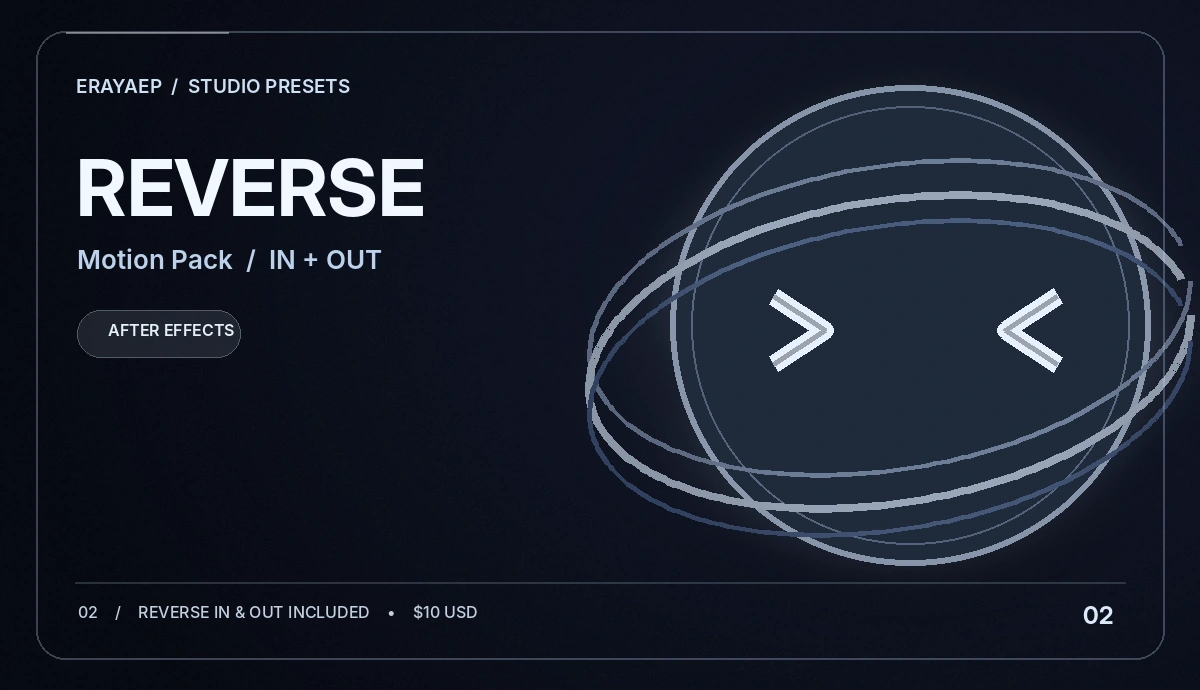
A reverse-motion preset collection with both entry and exit variations included in the $10 pack.
Request detailsListed prices are $10 each. Checkout and automatic preset downloads are not yet connected; use “Request details” to contact support.
07 / BEHIND THE BRAND
Meet ERAYAEP — a Turkish digital creator focused on cinematic football edits, especially the world of Cristiano Ronaldo.
Known online as erayaep0, ERAYAEP combines precise transitions, color treatment, creative effects and high-resolution editing with a passion for football. The name's AEP suffix nods to Adobe After Effects project files.
Using tools such as Adobe After Effects and Topaz Video AI, the creator shares football edits, editing resources and tutorials — and develops Erayaep Method for the editing community.
TikTok's documented Content Posting API currently accepts 23–60 FPS, up to 4 GB, and video dimensions up to 4096 pixels on each side. Our Pro option prepares a 4K / 120 FPS local file target; actual TikTok acceptance and playback remain under TikTok's control.
The Method does not disable compression, change TikTok server rules, or promise higher reach.
Read the technical compatibility guide ↗QUESTIONS / ANSWERED
No. The extension can prepare an output file using supported profiles, but TikTok independently processes uploads and determines playback quality.
No. Quality Guard explains visible TikTok file-size, resolution and quality warnings and offers troubleshooting steps. It never changes TikTok validation, alters server responses, or guarantees playback quality.
Erayaep Main CC and Erayaep Reverse IN + OUT are listed at $10 each, but checkout and secure delivery are not yet connected. Other store collections remain previews. Use My Presets to request details.
Existing Method purchases use Paddle checkout. Pro access is activated by the verified payment workflow. Monthly Method costs $10; lifetime is targeted at $39.90 once the matching Paddle price is configured. Check the final checkout amount.
Yes, this website uses the same original account and backend API. Keep the current database and pairing secret when deploying the redesign.
The website works on mobile. Chrome extensions need a compatible browser; standard Chrome for Android and iPhone browsers do not support this extension.
✳ ERAYAEP / THE CREATOR
I'm ERAYAEP, a creator from Türkiye building a visual language around football. Every Cristiano Ronaldo edit, color treatment and transition is part of the same obsession: make every frame feel intentional.
I work with Adobe After Effects and Topaz Video AI. ERAYAEP METHOD is one part of my world — alongside original edits, tutorials, presets and experiments.
Explore the creator space ↗ERAYAEP verifies the prepared file's metadata before download. TikTok controls how that file is processed and played after upload. If your post appears as 544p, our Help Center shows how to tell the difference.
Check input resolution and frame rate first. Upscaling can change dimensions, but it cannot restore details missing in the source video.
Know the output pixel dimensions, FPS and encoder status before sending it to TikTok Studio. The Pro 4K/120 FPS file profile is preserved.
Upload progress is not publishing progress. TikTok may recompress files, and its official Content Posting API documents a 60 FPS maximum.
Your next great idea starts with a single frame.